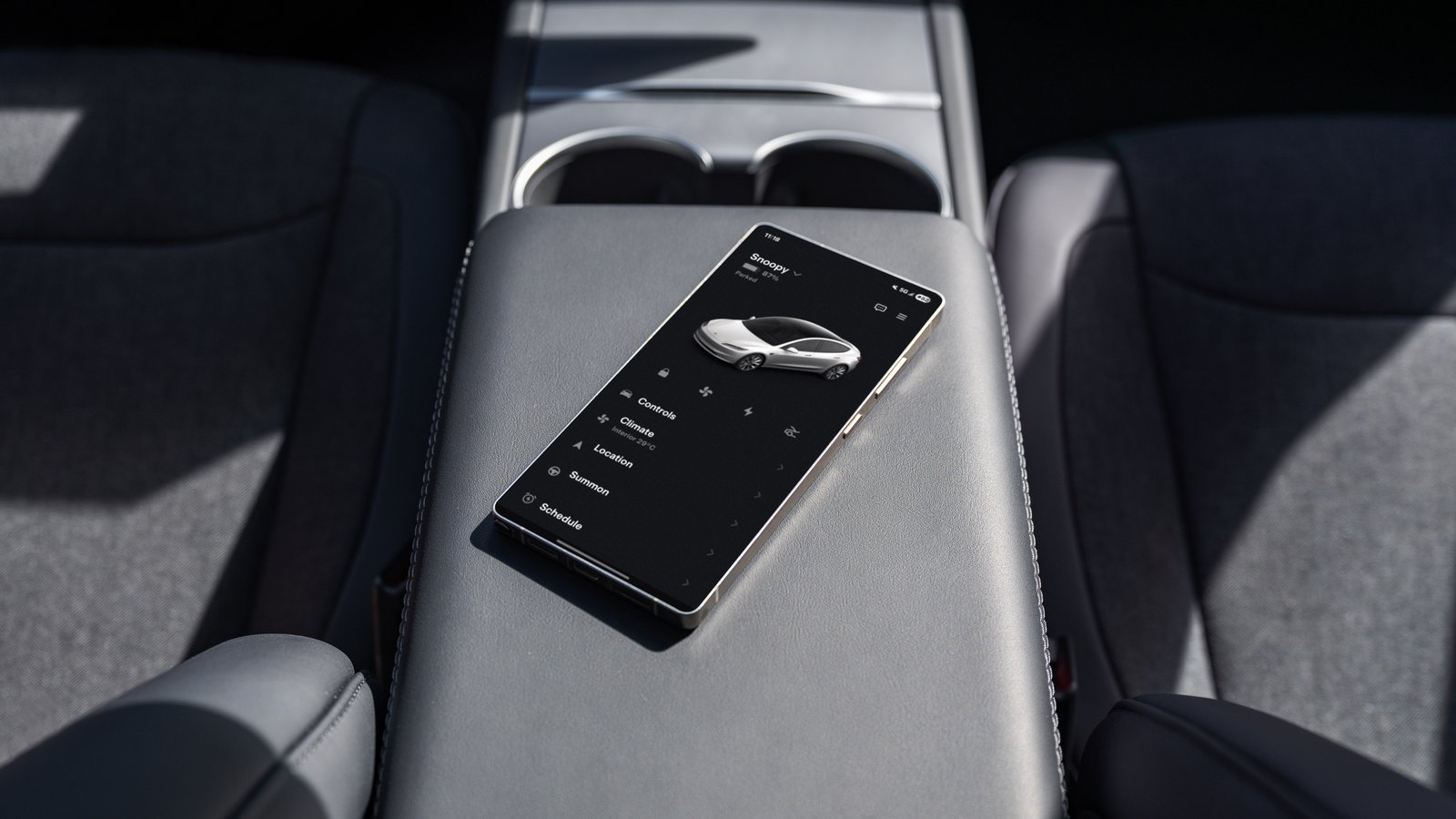
Your Tesla's biggest software upgrades arrive over the air, but only if the car can actually reach your home network. For many Tesla owners, the garage is where that connection fails. Thick walls, concrete slabs and distance from the router turn a strong Wi-Fi signal into a weak one. A powerline kit, the devolo Magic 2 WiFi 6 next, promises a fix by sending the network through your existing electrical outlets.
Why Your Tesla Wants Home Wi-Fi
Tesla recommends keeping the vehicle connected to Wi-Fi at home. Software updates are the main reason. Large over-the-air (OTA) updates can run to gigabytes, and the car downloads them more reliably over Wi-Fi than over cellular. Wi-Fi also saves mobile data and takes pressure off the car's LTE connection.
The problem is physical. An electric vehicle parked in an attached or detached garage often sits at the edge of router coverage, and a signal that is fine in the living room may drop to one bar by the charge port. A stalled download can delay an update or leave the car on an older software build for days.
What the devolo Magic 2 WiFi 6 next Promises
The devolo Magic 2 WiFi 6 next uses powerline (CPL/PLC) technology. One adapter plugs into an outlet near your router and connects to it by Ethernet cable. A second adapter plugs into an outlet in the garage and broadcasts a Wi-Fi 6 network there. The data travels over your home's existing wiring, so you don't need to drill walls or run cable.
The appeal is easy to see for Tesla owners. The garage already has power outlets, and the wall charger is usually nearby. Placing the adapter close to the car gives the vehicle a much stronger signal than a router several rooms away. The kit can also act as a Wi-Fi access point for other devices in the space.
The 5 GHz Channel Trap
There is a catch, and it involves the 5 GHz band. Tesla vehicles generally connect to 2.4 GHz networks reliably, and 5 GHz support depends on the car's hardware generation. Some 5 GHz channels, particularly the higher DFS channels, can also cause trouble. They share spectrum with radar, so access points may switch channels without warning, and some cars fail to reconnect cleanly.
The practical advice is to check how the adapter's network is configured. Look for a 2.4 GHz option or a fixed, non-DFS 5 GHz channel. Give the garage network its own recognizable name so you can confirm the car joined the right one. Powerline speeds also depend on wiring quality. Both adapters must sit on the same electrical circuit network, and surge protectors or power strips can degrade the link. Plug them directly into wall outlets.
What It Means for Owners and Investors
For owners, the takeaway is simple. A reliable home connection means faster, more dependable OTA updates, and it matters more as Tesla ships new features through software. A kit like the Magic 2 WiFi 6 next is a modest investment that can solve a common problem without construction work. Test the connection in the car's Wi-Fi settings before and after installation.
For investors, the story is wider. Tesla's strategy leans heavily on software delivery and continuous improvement, so connectivity at home becomes part of the product experience. Anything that helps the fleet receive updates quickly supports that model, even if the fix is a small adapter in a garage outlet.